To get an Instagram reel into your Android gallery, copy the reel’s link, open Kite: Video Downloader and pick a resolution. A minute later the reel is an ordinary video file sitting in a Kite folder that your gallery app can see, playable offline like everything else on the phone.
Instagram has a save button of its own, but it does a different job. Its bookmark files the reel into a collection inside the app: the video stays on Instagram, never reaches your storage, and disappears from your saved list if the post is taken down. Instagram also shows a download option on some public reels, at the poster’s discretion, so it is there when you happen not to need it and missing when you do. A downloader closes that gap by writing a real file to the phone.
One limit up front, because it decides whether the rest of this guide will work for you. Kite saves from public pages — it reads the same page a logged-out browser would see. Public reels and public feed videos are in scope. Private accounts, stories and direct messages are not, and nothing here logs into Instagram on your behalf. If you want to compare tools before you start, we have a roundup of Instagram Reels downloaders for Android.
What you need
- Kite: Video Downloader from Google Play, on Android 7.0 or newer. It is free and supported by ads — a banner and the occasional interstitial — with no subscription. There is no account and no sign-up.
- The link to the reel, from a public account.
- A few minutes and a little free storage. Reels are short, so the files are small.
Step by step
-
Copy the reel link. Open the reel in the Instagram app, tap the share icon — the paper plane — underneath it, then tap Copy link. In a mobile or desktop browser, the address of the reel page in the address bar does the same job. Ordinary feed videos work exactly like reels here, as long as the account is public.
-
Open Kite and tap Paste. The reel’s link goes into the link box on the Home tab; with Auto-paste links switched on in Settings, it is already waiting when the app opens. There is no list of site names to pick from first: paste a link and Kite works out what is on the page.
-
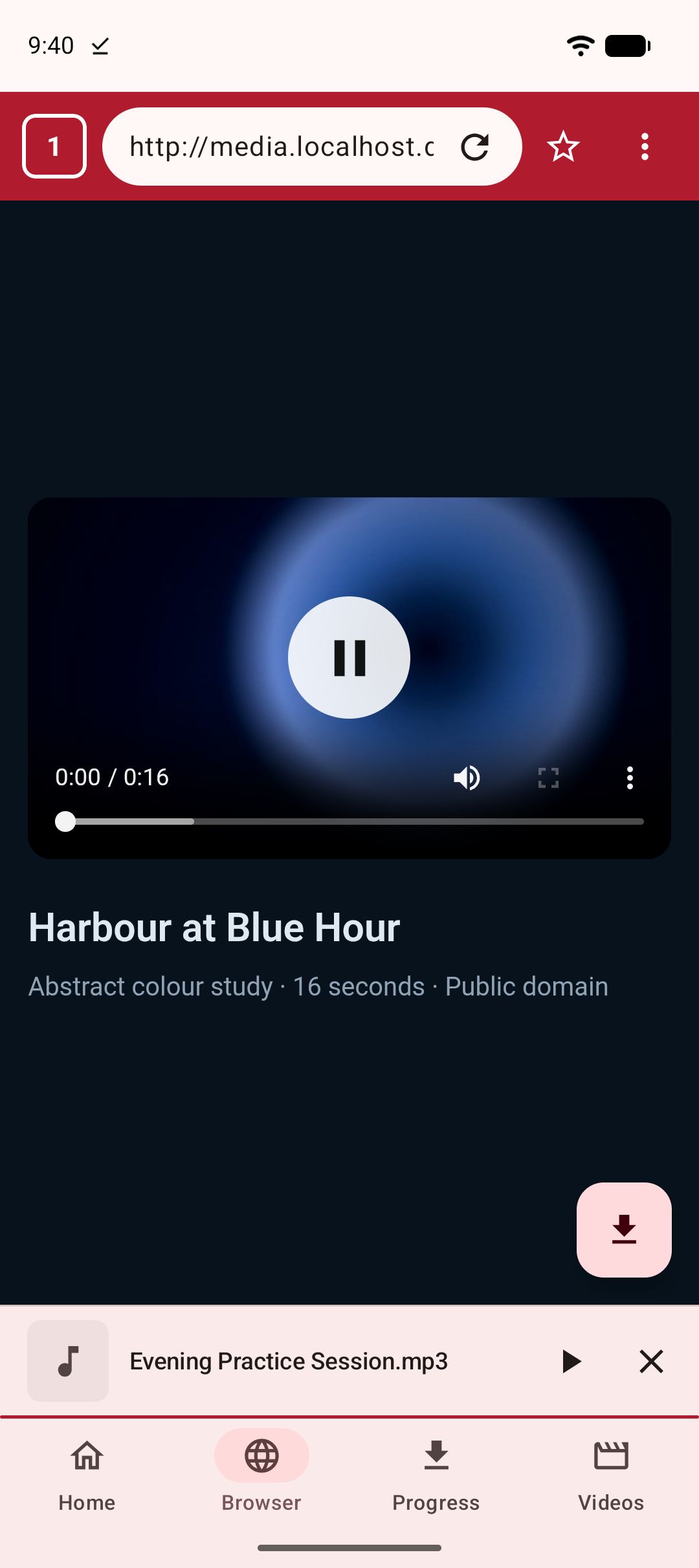
If the link will not resolve, use the built-in browser. Kite has a browser tab that watches pages for playable media. Open the reel in it, and when Kite recognises the video on the page it offers to save it. That is the fallback worth trying before you decide a reel cannot be saved at all.
-
Pick a resolution, or choose MP3. Kite lists every rendition the source offers, from SD up to 4K where the source provides it, with the container, the codec and an estimated size beside each line. For a vertical reel the real choice is between a small file and a sharper one, and the sizes shown make that decision easy. If you only want the sound, pick MP3 instead and Kite pulls the audio out with title and artist metadata embedded.
-
Let it download in the background. The notification shade shows live progress with speed and an estimated time left, plus pause, resume and cancel. Downloads keep going when you switch apps and survive closing Kite, and an interrupted download resumes instead of starting again from zero. Up to three run at once, which matters when you are saving a handful of reels in one sitting. Settings also hold a Wi-Fi-only option, a scheduler if you would rather downloads waited for later, and a trim range if you want just part of a longer clip.
-
Find it in the Videos tab. Kite’s library lists everything it has saved next to the video and music already on the phone, grouped by folder and searchable. Tap the reel to play it in place: the player has swipe gestures for brightness, volume and seeking, hold for double speed, ten-second skips, and picture-in-picture for carrying it over another app.
Where the file lands
Finished downloads are published into a Kite folder inside the phone’s Download folder, through Android’s media store, which is what makes them visible to the gallery and to file managers. In practice: the reel turns up in your usual photos app, you can share it onwards, move it, or copy it to a computer over USB, and it keeps playing when you are offline or after the original post has gone. The audio is inside the file, so it plays with sound wherever you open it — there is no separate track to reunite it with.
If you would rather a saved clip did not sit in the gallery for anyone scrolling past, move it into Kite’s Private Vault. Files there are PIN-locked, encrypted and hidden from the gallery, and everything stays on this device.
If it does not work
The account is private
Kite reads public pages. A private account has no public page behind the link, so extraction stops with an error rather than half-saving something. Being logged into Instagram in your own browser makes no difference, because Kite does not carry your Instagram session — that is deliberate. There is no workaround, and there should not be one: a private post was posted for a chosen audience.
You copied a profile or story link instead of the reel link
This is the most common false alarm. Tapping share on a profile copies the profile address, a story link points at a story rather than a post, and a link grabbed from a browser tab can point at the feed instead of the reel you were watching. Open the link you pasted in a browser and check that one single reel plays. If it does, that address is the one to give Kite. Stories are out of scope either way.
The reel was deleted or is region-blocked
If the poster removed the reel, or it is not available where you are, there is nothing at the far end of the link to read. Test it in a browser first: if the page will not play the reel for you, Kite cannot save it either. From the app’s point of view a region block and a deletion look identical, because in both cases the page simply does not hand over the media.
Wi-Fi-only is on, or you are offline
If a download sits at zero and nothing moves, check the Wi-Fi-only setting. With it switched on, downloads wait for a Wi-Fi connection instead of spending mobile data — useful on a metered plan, confusing once you have forgotten it is there. Switch it off, or join Wi-Fi, and queued downloads carry on from where they stopped. A patchy connection behaves the same way, and resumes on its own.
The legal bit
Kite is a tool for personal use. Save only content you own or have permission to save, respect the terms of the sites you visit, and respect the rights of the people who made what you are watching. Keeping a reel for yourself is not the same thing as reposting it, and that second step is yours to answer for.
Two boundaries are built into the app rather than left to good intentions. Kite does not bypass copy protection of any kind: material protected by DRM is declined rather than downloaded. And there are certain large video and music platforms that Google Play policy does not allow downloader apps to touch; Kite deliberately excludes them. Everything inside that line — Instagram, TikTok, X (formerly Twitter), Reddit, Facebook, Vimeo, Twitch, Pinterest and a thousand or so other sites — follows the flow described above, which is why saving Facebook videos and downloading TikTok videos without the watermark come down to the same three moves: copy the link, paste it, pick a quality.