To download a video privately on Android you need two things, not one: a browser that keeps no record of where you found it, and a place for the file that the gallery never sees. Incognito mode gives you only the first. Kite: Video Downloader does both in one app: private tabs in its built-in browser, and a Save to Private Vault switch that sends a finished download straight into an encrypted vault instead of your gallery. Kite is our app, so read this as our description of how it works, limits included. The privacy here is privacy from people who use your phone, not from websites or your network.
What “private” has to cover
A private download leaves three kinds of trace, and each needs its own fix.
- The browser’s record. History, cookies, site data and the cache.
- The file itself. A video saved to the phone’s shared storage shows up wherever Android lists videos: the gallery, file managers, and any app you have allowed to read your videos.
- The signals around the file. The notification, the app’s list of downloads, and any backup file.
Incognito mode deals with the first kind. Most “private” downloads leak through the other two.
Does incognito mode hide your downloads?
No, and Google says so. Its Chrome Help page on Incognito mode for Android explains that once the session ends, Chrome keeps no site data or record of the sites you visited. Then it adds that Chrome “retains bookmarks that you save and files that you download when you exit Incognito”, and: “Files that you download will remain on your device until you delete them.” It also notes that websites, and whoever manages your network, such as a school, an employer or your internet provider, may be able to observe your activity.
So a video saved from an incognito tab lands in ordinary storage, and your gallery lists it. Private browsing and a private file are separate problems. Kite’s own private tab says the same on its start page: “Downloads you start here are saved as usual.” That sentence is the reason the vault switch exists.
Layer 1: a private tab in Kite’s browser
Open the Browser tab, tap the ⋮ menu and choose New private tab. It sits at the top of that menu, and in the tab switcher’s own ⋮ menu too. The page that opens says “You are browsing privately”, and a private tab keeps four promises.
- Nothing reaches your history. Pages you visit in a private tab are never added to Kite’s browsing history, and neither are their titles.
- A start screen of its own. It shows none of your saved or recently visited pages.
- Cookies and site data kept apart. Private tabs run on a separate browser profile, with their own cookies, site storage and cache. All open private tabs share that one private session, so a link you open in a second private tab keeps the first tab’s sign-ins. When Kite saves a video you found in a private tab, it fetches it with that private session, never with your ordinary tabs’ sign-ins.
- Erased when you are done. Closing your last private tab erases its cookies and site data. Private tabs are not saved with your other tabs, so they never come back after Android closes Kite, and the next time the browser starts, before any private tab opens, Kite deletes the leftover private profile, cache included.
One honest limit: if your phone’s Android System WebView, the part of Android that draws web pages inside apps, is too old to keep a separate profile, cookies are shared with your other tabs. The start page says so when that is the case, and pages still stay out of history.
Layer 2: send the file straight into the vault
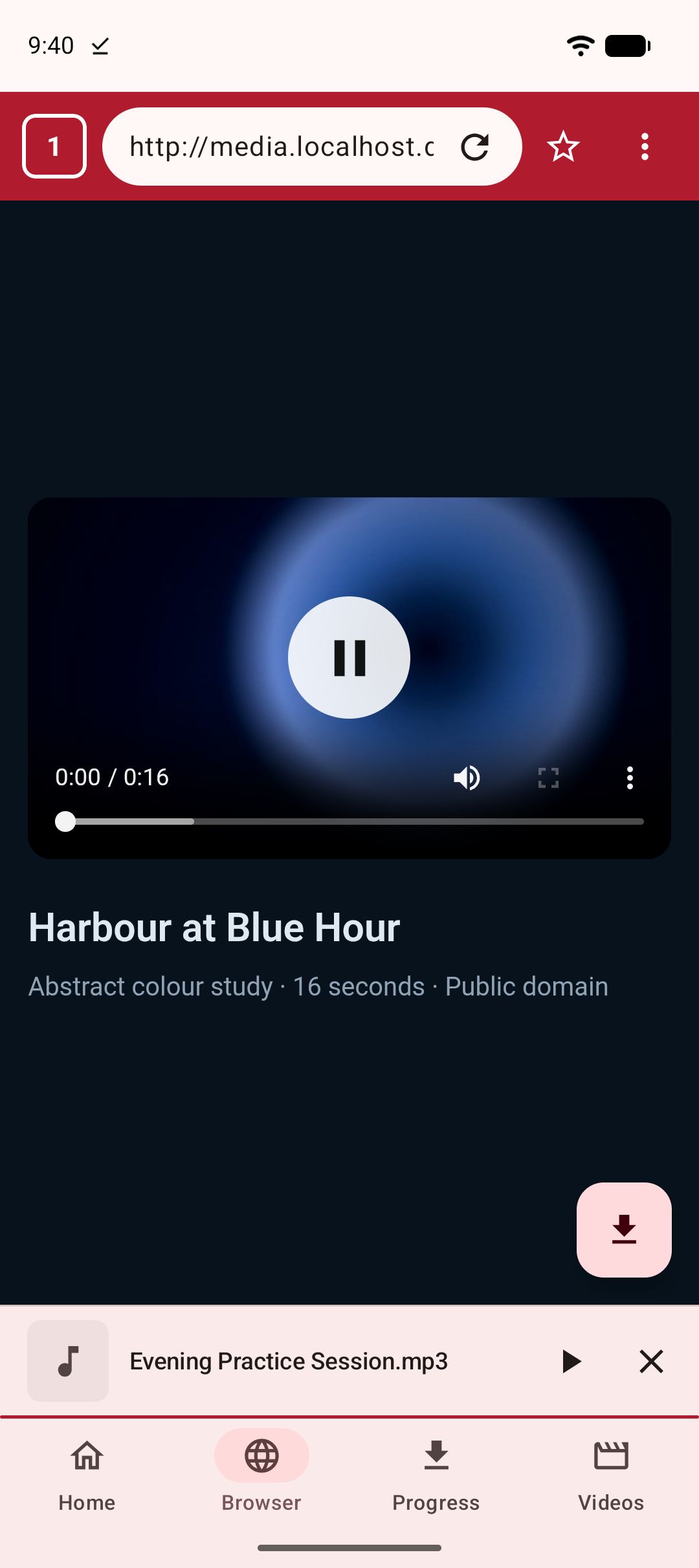
Tap the download button in the corner of the browser while the video plays, and Kite opens its format sheet: every resolution the source offers, an MP3 option, and a few extra settings. If you have set up the vault, one of those settings is Save to Private Vault. Turn it on, then pick the quality or MP3. The same switch appears when you paste a link on the Home tab, or share one into Kite from another app.
Here is what the switch changes. The download finishes in Kite’s own private storage and is encrypted straight into the vault from there. It is never published to the phone’s shared storage, so the gallery, file apps and other apps never get a chance to list it, not even for the moment between finishing and being filed away. Adding a file needs no PIN, because the vault accepts new files while it is locked, so a download that finishes in your pocket still lands where you told it to. Reading it back needs the PIN.
Three details make the switch safe to rely on. It is off every time the sheet opens, so nothing is filed away by accident. If the vault save fails, for example because the phone is out of space, the download fails and says why; it never falls back to the gallery. And the file gets the vault’s usual protection: a four-digit PIN, a hint Kite shows only after three wrong tries, no reset, and screenshots, screen recording, casting and the app-switcher preview blocked while the vault or one of its videos is on screen.
Layer 3: the traces around the file
These are the small leaks, and each has a plain answer.
- The notification. Like every download, it shows the title while it runs and when it finishes. The finished one reads “Saved to your vault”, has no Share button, and opens the vault rather than the file when tapped. If a title alone would give something away, Android’s notification settings can hide notification text on the lock screen; the setting’s name varies by phone.
- The Progress tab. The row stays in Kite’s download list, marked “Saved to vault”. Its only actions are Open vault, which asks for the PIN, and Remove; there is no Share. Remove takes the row off the list and leaves the file in the vault.
- Sign-ins for found videos. When Kite saves a stream it found playing in a private tab, the download keeps a copy of that page’s cookies so Pause and Retry can finish the job. It sits in Kite’s own storage, out of other apps’ reach, and goes when you remove the row.
- The backup file. Settings ▸ Backup & restore can save your settings and download list to a file you choose. That file never holds anything from the vault, not even the titles of downloads that went into it.
Step by step
- Install Kite: Video Downloader from Google Play. It is free and supported by ads, a banner and the occasional interstitial. There is no account, and it runs on Android 7.0 and newer.
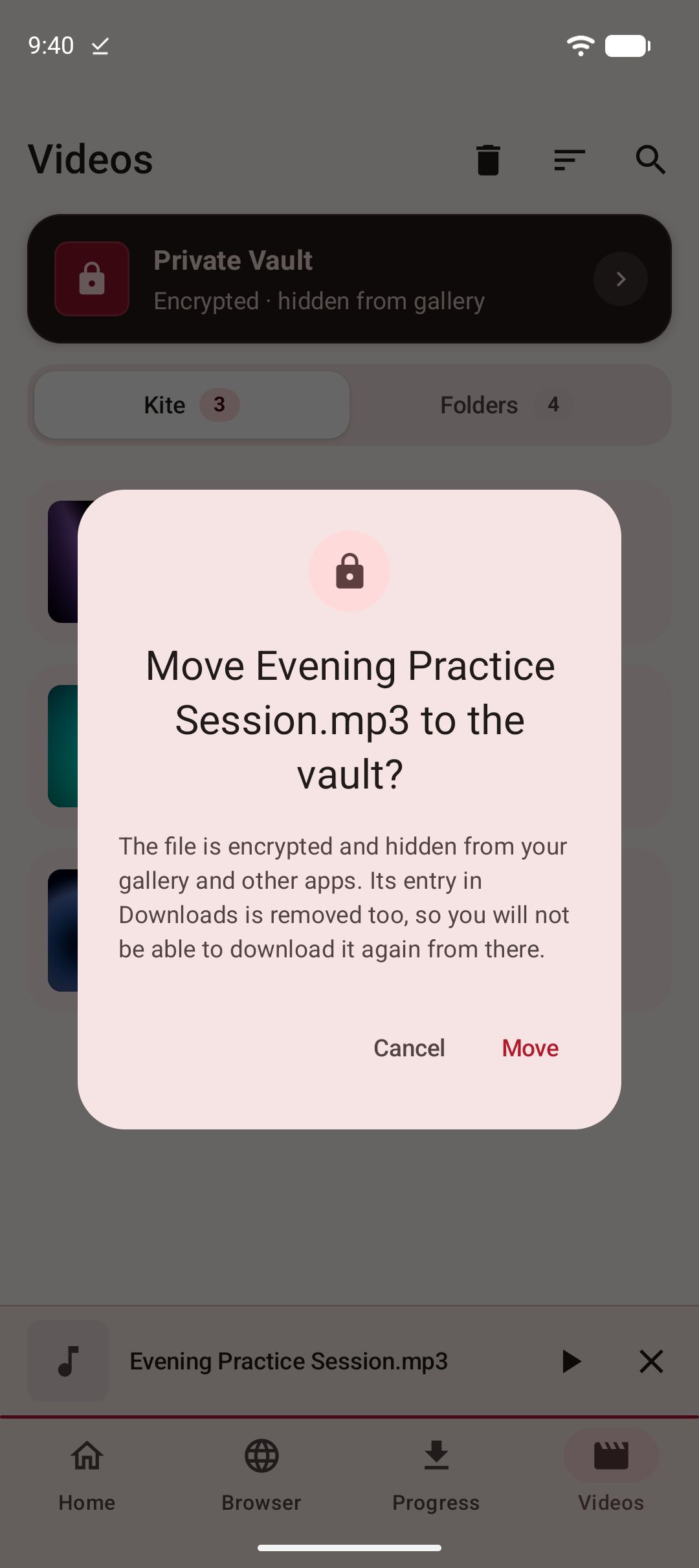
- Set up the vault once. On the Videos tab, tap the Private Vault card, choose a four-digit PIN, enter it twice and add a hint. Read the warning before you accept it: there is no way to reset the PIN.
- Open a private tab. Browser tab, ⋮ menu, New private tab. Then go to the page with the video.
- Tap the download button while the video plays. Kite reads the page and opens the format sheet.
- Turn on Save to Private Vault, then tap the resolution you want, or MP3.
- Open it from the vault. When the download finishes, tap the notification or open the vault from the Videos tab, and enter your PIN to play it.
- Clean up. Close your private tabs, and remove the row from the Progress tab if you like.
Already have the link? Skip the private tab. Paste it on the Home tab, or share it into Kite as our guide to saving a video from the share menu shows, and use the same switch.
If it does not work
There is no Save to Private Vault switch
The row appears only once a vault exists, so set one up first. If you have a vault and still do not see the row, it has been hidden in Settings ▸ More download options ▸ Show on the download sheet. Switch it back on there.
The download failed at the very end
The file was fetched but could not go into the vault. Kite says either “Not enough space to save this to the vault.” or “Couldn’t save to the vault. Open the vault once, then try again.” Free up space or open the vault, then tap Retry. Nothing was published to the gallery in the meantime.
A site asks you to sign in again
That is the private tab doing its job, because it starts with no cookies. If you sign in inside a private tab, that session lasts until you close your last private tab. If the start page says cookies are shared, your Android System WebView is too old for separate profiles; where your phone allows it, updating Android System WebView from Google Play may change that.
What this is not
Private tabs and the vault protect you from people who use your phone. They do not make you anonymous: websites and your network still see the connection. Nor are they a way to reach content that is not yours to keep. Save only what you own or have permission to save, and respect each site’s terms and the rights of the people who made the video. Kite does not bypass copy protection of any kind: material protected by DRM is declined rather than downloaded. And there are certain large video and music platforms that Google Play policy does not allow downloader apps to touch; Kite deliberately excludes them.
To move videos already on your phone into a vault, see how to hide videos on Android; to compare vault apps, read our roundup of private video vaults for Android. For how Kite’s browser finds a video on a page, see how to download a video from a website on Android, and if you are new to all this, start with our complete guide to downloading videos on Android.