Nobody can tell you an app is safe without reading its code, and Snaptube’s code is not public. So this page does not hand down a verdict. It sets out what can actually be verified about Snaptube in 2026: where it comes from, what its listing states and what it leaves out, and how Android’s own protections apply when you install an app from outside Google Play. It ends with a short checklist to run yourself, and with a description of our own app, Kite: Video Downloader, as a Play-listed alternative. Kite is our app, so read that section as our honest case rather than a neutral review. Every claim about Snaptube here comes from its Uptodown listing, checked on 5 September 2026 and linked in the sources.
What “safe” means for a downloader app
The word covers four separate questions, and it helps to keep them apart.
- Where does the app come from, and can you tell you have the real one? An app store checks the developer’s identity and signs each version; a file downloaded from a website is only as trustworthy as the website.
- What can it reach on your phone? The permissions it requests set the ceiling on what it could do, whatever it actually does.
- Who pays for it, and how? A downloader has costs. If the listing does not say how they are covered, you are guessing.
- What happens when it breaks? Downloaders depend on updates to keep working; how those updates reach you is part of the risk.
Everything below answers one of those four.
Where Snaptube comes from
Snaptube is distributed as an APK through third-party stores such as Uptodown rather than through Google Play (as of September 2026). Uptodown lists the developer as Aquila Space (Hong Kong) Company Limited, the package as com.snaptube.premium, the licence as proprietary and the price as free. The current build there is 7.63.0.76330710, dated 23 July 2026, and it requires Android 5.0 or higher.
Why it is not on Google Play follows from its own advertised scope. Uptodown’s editorial review describes coverage of TikTok, Instagram, Facebook, Vimeo and OK.ru, and Snaptube also advertises coverage of certain large video and music platforms that Google Play policy does not allow downloader apps to touch. An app that advertises that cannot be listed on Play. That is a statement about policy, not about the app’s code, and it is the whole of what “not on Play” tells you.
What installing an APK involves
Because there is no store install, you go through Android’s sideloading path. Since Android 8, the permission to install unknown apps is granted per app: the browser or file manager that opens the APK has to be allowed to install packages, and Android asks you to grant that the first time. Then the install prompt appears.
Google Play Protect is the other half of the path. Google’s help page for it says it checks your device for potentially harmful apps from other sources, warns you about them and may deactivate or remove them; it is on by default, and Google recommends leaving it on. An optional setting, “Improve harmful app detection”, sends unknown apps to Google for analysis. Play Protect scans a sideloaded app at install time and periodically afterwards, so it applies to Snaptube as it does to any APK, within the limits of any scanner: it can only flag what it recognises.
Updates are the part people forget. A Play app updates itself. A sideloaded app updates when you fetch and install a new APK, and every stale month is a month in which the sites it reads have kept changing; our guide to why downloaders stop working explains that mechanism. The install habit matters too. An app that trains you to tap through system warnings has changed how you treat those warnings for every app after it. Snaptube’s listing gives no instruction of that kind; we note the general point because it applies to the whole sideloaded category.
One practical protection: Uptodown publishes the package name and the certificate signature of the build it hosts. A file from any other site that claims to be Snaptube can be compared against them.
What the listing says, and what it leaves out
The listing describes a search-first downloader: type a video or channel name, pick a result, then choose format and quality from a popup. Output is MP4 for video or MP3 for audio, with typical quality options of 320p, 480p, 720p and 1080p, and sometimes 4K. An “Add Website” button bookmarks further video portals, though the review notes downloads from user-added sites are not guaranteed to work. Settings include a download-folder chooser, a maximum speed limit, a Wi-Fi-only option, an app language setting and a Night Mode. No account is required.
Two things the page states that bear on the four questions. The app requests 26 permissions, which Uptodown shows as a count rather than a list, so the list itself is only visible on the install screen. And the editorial review notes that in some regions results and downloads appear only when a VPN is in use.
And the thing the page does not state: how the app is monetised. The listing prices Snaptube as free under a proprietary licence and stops there. We make no claim about what fills that gap. We do say that an unanswered “who pays” is a question you should want answered before installing anything that reads what you watch.
Six checks you can run yourself
- Keep Google Play Protect on, and let it scan the APK before you open the app. Read any warning rather than dismissing it.
- Get the file from the developer’s own channel or from a store that publishes the package name and certificate, then check that the package name on your install screen matches
com.snaptube.premium. - Read the permission list on the install screen, and again in Settings after installing. Ask of each one what a downloader needs it for. Storage and network are obviously needed; anything to do with contacts, calls, location or accessibility is not.
- Check the version date. A downloader that has not been updated in many months is asking sites old questions, whatever else is true of it.
- Watch the first run. Note what it asks for, what it shows, and whether it opens anything you did not tap. A downloader should download.
- Know how to remove it. Settings, Apps, Snaptube, Uninstall. Afterwards, revoke the install-unknown-apps permission you granted your browser or file manager, so the door you opened is shut again.
None of this proves anything either way. It converts an unanswerable question into a set of answerable ones.
A Play-listed alternative
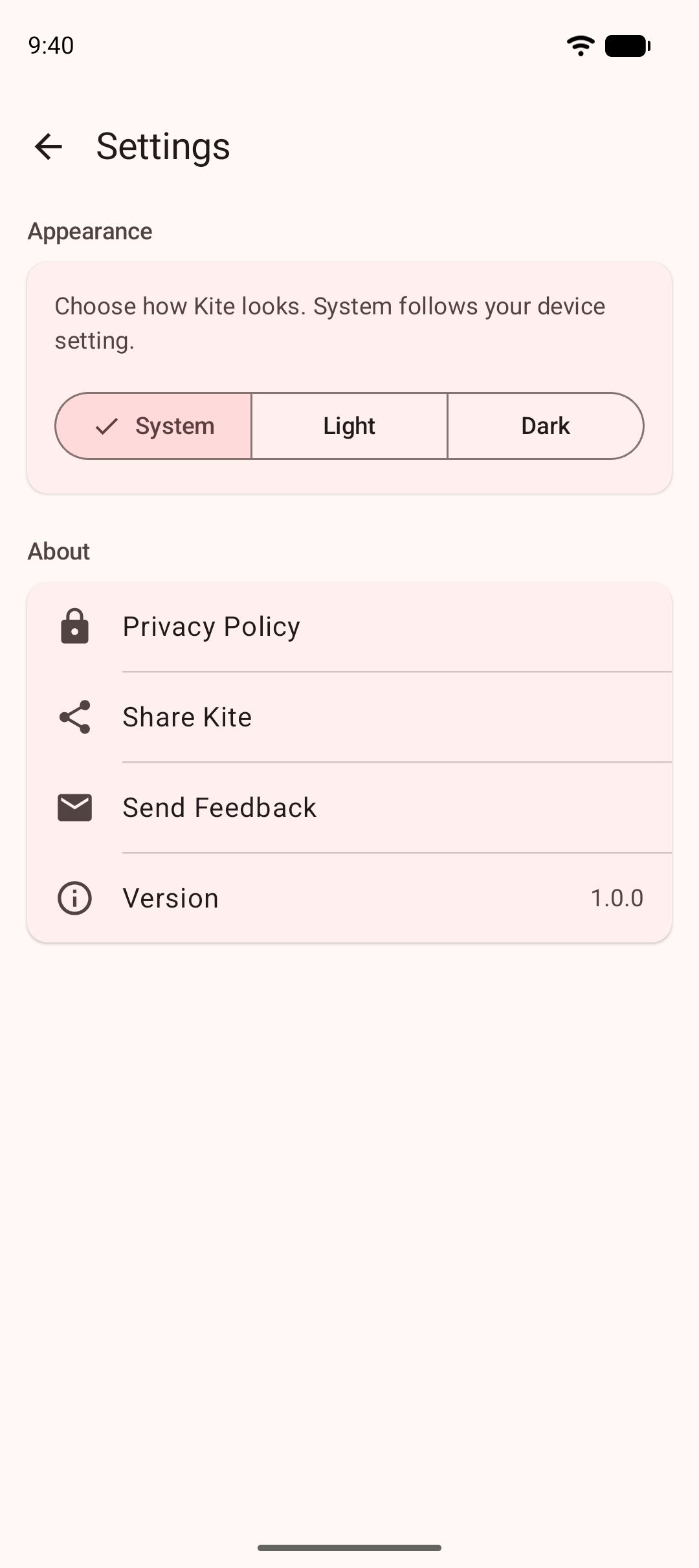
Kite: Video Downloader is our app, distributed through Google Play for Android 7.0 and newer, with no account and no sign-up. On the four questions: it installs and updates through the store. It asks for network access, notifications, the foreground-service permissions that let downloads and audio keep running, access to the videos and music on your phone for its Videos tab (asked in context, the first time you open that tab), alarms so scheduled downloads start on time, and the advertising ID its ad partners use; it does not ask for your contacts, camera, microphone or location. On who pays: Kite is free and supported by ads, a banner and the occasional interstitial, from third-party partners, and its privacy policy names them and says what they receive. On breaking: updates arrive through Google Play.
What it does: paste a link and Kite works out what is on the page with the yt-dlp engine running on the phone, then lists every resolution the source offers, from SD up to 4K with container, codec and estimated size, or pulls the audio out as an MP3 with title and artist metadata embedded. It recognises media pages from TikTok, Instagram, X (formerly Twitter), Reddit, Facebook, Vimeo, Twitch and Pinterest, plus a thousand or so other sites, and a built-in browser spots playable media on pages you visit. Downloads run in the background with pause, resume, scheduling and a Wi-Fi-only option, and finished files land in a library with a real player and a PIN-locked, encrypted Private Vault. We compared the two apps directly in Snaptube vs Kite, and the wider field in our Snaptube alternatives list.
The honest limit is the one that made the Play listing possible: Kite deliberately excludes certain large video and music platforms that Google Play policy does not allow downloader apps to touch. If those platforms are the point for you, Kite is the wrong choice, and no amount of safety checking changes that. Kite also does not bypass copy protection of any kind: material protected by DRM is declined rather than downloaded.
Bottom line
“Is Snaptube safe?” has no honest one-word answer from anyone who has not audited it. What can be said is this: it is a sideloaded APK from a developer listed in Hong Kong, updated as recently as July 2026, requesting 26 permissions, with no statement on its listing of how it is funded, and with advertised coverage that keeps it off Google Play by policy. Run the six checks, weigh the unanswered question about who pays, and decide with your eyes open. If you would rather not carry that decision, a downloader on Google Play, ours or another, moves the identity, signing and update questions onto the store. Our roundup of Android video downloader apps sets out which apps in this category are on Play and which are not.
Whatever you install, the rules do not change: save only content you own or have permission to save, respect the terms of the sites you visit, and respect the rights of the people who made what you are watching.