Whether VidMate is safe is a question nobody can settle from the outside, because its code is not public, and this page does not pretend to. What it does is lay out the parts that can be verified in 2026: where VidMate comes from and who publishes it, what its listing states and what it leaves unsaid, and how Android’s own protections apply to any app installed from outside Google Play. There is a checklist to run yourself, and at the end a description of our own app, Kite: Video Downloader, as a Play-listed alternative. Kite is our app, so read that section as our honest case rather than a neutral review. Every claim about VidMate comes from its Uptodown listing, checked on 5 September 2026 and linked in the sources.
Four questions hiding inside one word
“Safe” bundles together several things worth separating.
- Provenance. Where does the app come from, and can you tell that the file you have is the one the developer published?
- Reach. What permissions does it request, which set the ceiling on what it could touch on your phone?
- Funding. Who pays for it, and how? A downloader has costs, and a listing that does not say how they are met leaves you guessing.
- Maintenance. Downloaders break when sites change; how do fixes reach you, and how quickly?
Each section below answers one of them with what the listing actually says.
Where VidMate comes from
VidMate is distributed as an APK through third-party stores such as Uptodown rather than through Google Play (as of September 2026). Uptodown lists the developer as Vidmate Studio, the package as com.video.fun.app, the licence as proprietary and the price as free. The current build is 6.0229, dated 3 September 2026, and it requires Android 5.0 or higher. That is a recent build: the app is being maintained, which answers the fourth question in VidMate’s favour, at least as far as the date goes.
The reason it is not on Play is in its own scope. Alongside Facebook, Instagram and TikTok, VidMate advertises coverage of certain large video and music platforms that Google Play policy does not allow downloader apps to touch, and an app that does so cannot be listed there. That is a policy fact, not a verdict on the code. It also explains something you may have noticed: an unrelated app rides VidMate’s name in Play search results, because the real one cannot be there. Compare package names, not titles.
What installing an APK involves
With no store install, you take Android’s sideloading path. Since Android 8, permission to install unknown apps is granted per app: the browser or file manager that opens the APK must be allowed to install packages, and Android asks you the first time. Then the install prompt appears, and with it the permission list.
Google Play Protect still applies. Google’s help page says it checks your device for potentially harmful apps from other sources, warns you about them and may deactivate or remove them; it is on by default and Google recommends leaving it on, and an optional “Improve harmful app detection” setting sends unknown apps to Google for analysis. It scans at install time and periodically afterwards. It is a scanner, with a scanner’s limit: it can only flag what it recognises, so a clean scan is a good sign rather than a guarantee.
Updates are on you. A Play app updates itself; a sideloaded one updates when you download and install a new APK. VidMate’s September 2026 build shows the developer is shipping; whether the copy on your phone keeps up depends on whether you go back for each new file. The month you skip is a month in which the sites it reads have kept changing, a mechanism our guide to why downloaders stop working walks through.
Uptodown publishes the package name and the certificate signature of the build it hosts, which gives you something to compare a file from any other site against.
What the listing says, and what it leaves out
The listing describes an app organised around a Sites tab with shortcuts to more than a dozen video pages. Open one and a floating red download bubble appears while a video plays; tapping it saves MP3 or MP4, with 720p and 1080p described as typical and up to 4K on some platforms. There is a default playback-quality setting, a Pop-Up mode that plays video in a floating window over other apps, an integrated music player with playlists and a sleep timer, and a configurable music folder.
Three facts on the page bear directly on the four questions. The app requests 34 permissions, shown as a count rather than a list, so the list itself is only visible on the install screen. The listing describes a Restricted Mode that hides web pages and videos which may show adult content, and Uptodown’s editorial review notes that this mode is disabled by default. And the listing prices VidMate as free under a proprietary licence without stating how the app is monetised.
That last silence is the one to weigh. We make no claim about what fills it. We do say that for an app which is, in practice, a browser pointed at video sites, “who pays” is not an idle question.
Six checks you can run yourself
- Leave Google Play Protect on and let it scan the file before you open the app. If it warns you, read the warning.
- Download from the developer’s own site or a store that publishes the package name and certificate, and confirm that the package on your install screen reads
com.video.fun.app. A lookalike title with a different package is a different app. - Read all 34 permissions, at install and again in Settings afterwards. Storage and network are what a downloader needs. Contacts, calls, location and accessibility are not, and any of them deserves an answer before you approve it.
- Turn on Restricted Mode before anyone else uses the phone, since the review says it starts switched off.
- Watch the first run for what it asks and what it opens without being asked. A downloader should download.
- Know the exit. Settings, Apps, VidMate, Uninstall, and then revoke the install-unknown-apps permission you granted your browser or file manager.
These checks do not prove anything either way. They turn one unanswerable question into six answerable ones.
A Play-listed alternative
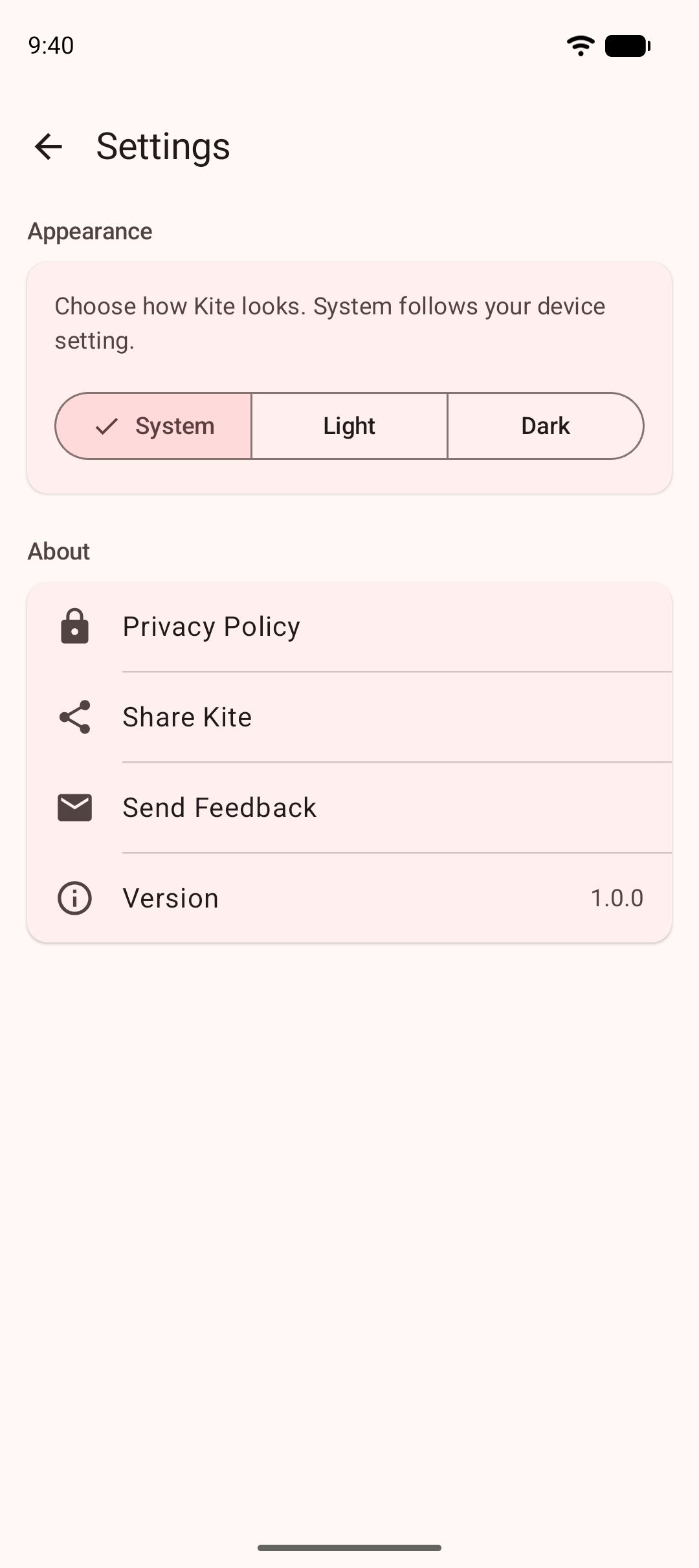
Kite: Video Downloader is our app, distributed through Google Play for Android 7.0 and newer, with no account and no sign-up. Against the four questions: it installs and updates through the store, so identity and signing are the store’s job. Its permissions are network access, notifications, the foreground-service permissions that let downloads and audio keep running, access to the videos and music on your phone for its Videos tab (asked in context, the first time you open that tab), alarms so scheduled downloads start on time, and the advertising ID its ad partners use; it does not ask for your contacts, camera, microphone or location. On funding, Kite is free and supported by ads, a banner and the occasional interstitial, from third-party partners named in its privacy policy along with what they receive. On maintenance, updates arrive through Google Play.
The app itself: paste a link and Kite works out what is on the page with the yt-dlp engine running on the phone, then lists every resolution the source offers, from SD up to 4K with container, codec and estimated size, or pulls the audio out as an MP3 with title and artist metadata embedded. It recognises media pages from TikTok, Instagram, X (formerly Twitter), Reddit, Facebook, Vimeo, Twitch and Pinterest, plus a thousand or so other sites. Like VidMate it has a built-in browser, with tabs, bookmarks and a choice of search engine; it spots playable media on the pages you visit and blocks advertising and tracking domains as you browse. Downloads run in the background with pause, resume, scheduling and a Wi-Fi-only option. Saved files land in a library with a player that has picture-in-picture, gestures and background MP3 playback, and a PIN-locked, encrypted Private Vault keeps chosen files hidden from the gallery and on this device only. Our VidMate vs Kite comparison goes feature by feature, and our VidMate alternatives list covers the wider field.
The honest limit is the same one that made the Play listing possible: Kite deliberately excludes certain large video and music platforms that Google Play policy does not allow downloader apps to touch. If those are what you want to save from, Kite is the wrong choice, and no checklist changes that. Kite also does not bypass copy protection of any kind: material protected by DRM is declined rather than downloaded.
Bottom line
VidMate in September 2026 is a recently updated, sideloaded APK from a developer listed as Vidmate Studio, requesting 34 permissions, shipping with its adult-content filter switched off, and silent on its listing about how it is funded. None of those facts is a verdict; together they are the shape of the decision. Run the six checks, weigh the silence about who pays, and choose with your eyes open. If you would rather the store carried the identity, signing and update questions for you, our roundup of Android video downloader apps sets out which downloaders are on Google Play and which are not.
Whatever you install, the rules are the same: save only content you own or have permission to save, respect the terms of the sites you visit, and respect the rights of the people who made what you are watching.