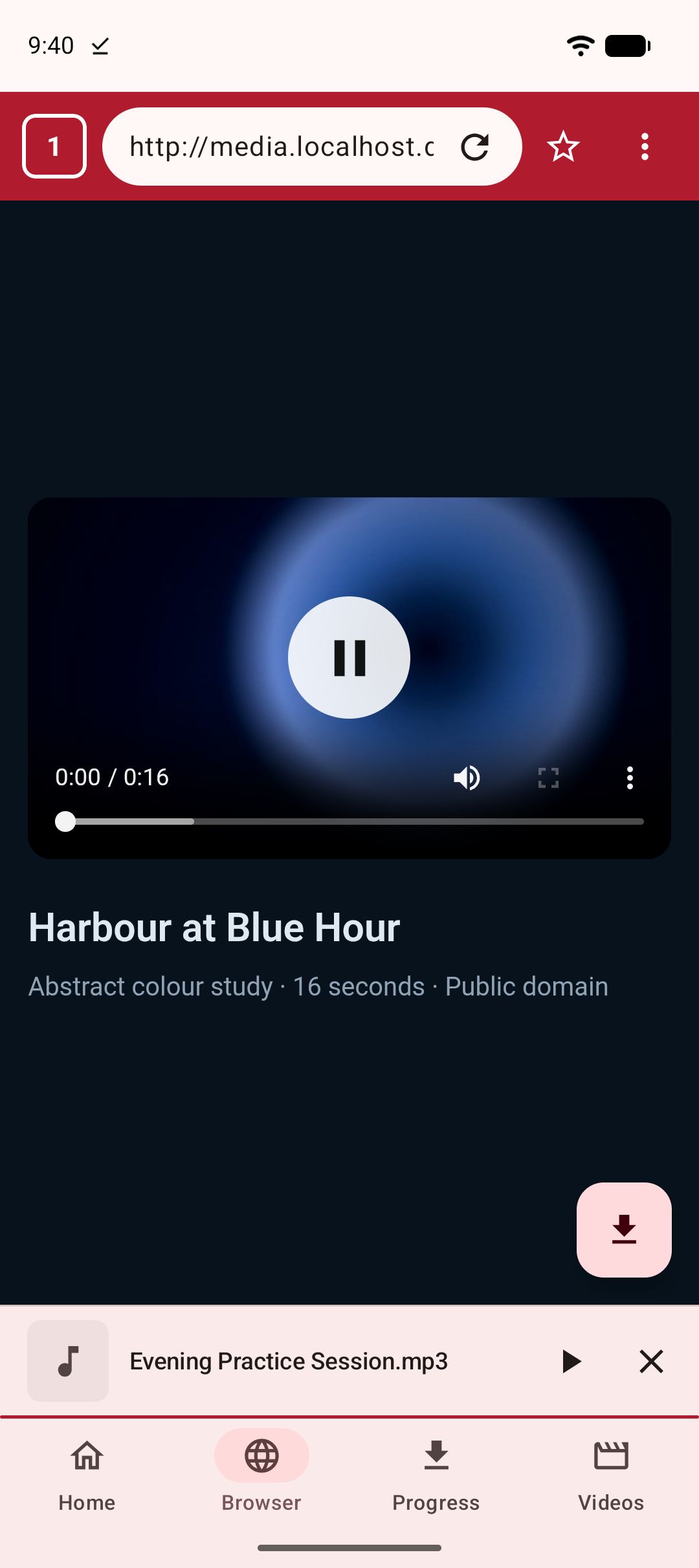
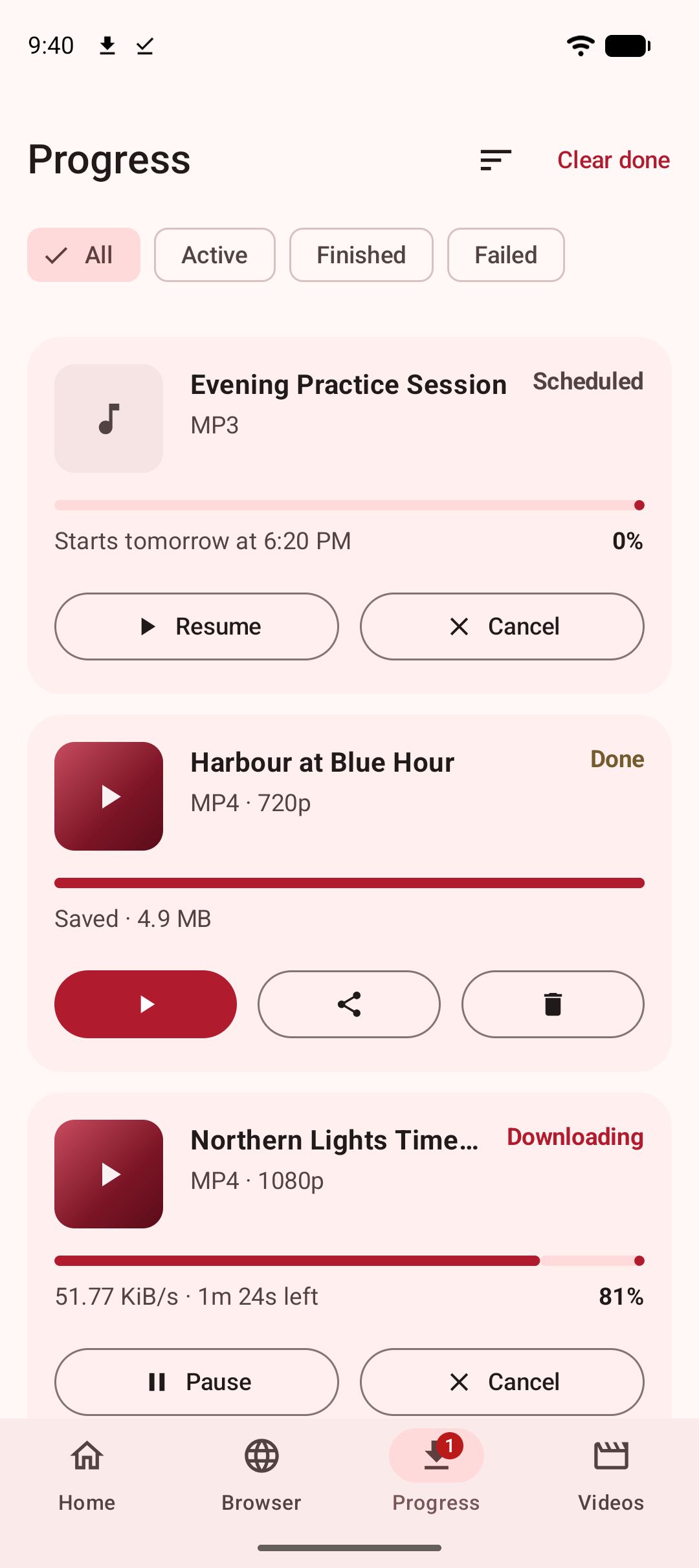
To download an m3u8 stream on Android, paste the m3u8 link into Kite: Video Downloader, or open the page that plays it in Kite’s built-in browser and tap the save button. Kite reads the playlist, lists the qualities inside it, fetches every segment and joins them into one ordinary MP4 that lands in your gallery. Kite is our app, so read this as our honest description of what it does rather than a neutral review.
Most people arrive at this page after a small disappointment: they found the video’s “real” address, saved it, and got a text file a couple of kilobytes long. That is not a bug. It is what an m3u8 is, and once that is clear, the rest of the job is straightforward.
What an m3u8 file actually is
HLS, or HTTP Live Streaming, is the way most video on the web is delivered today, and m3u8 is its playlist format. Instead of one large file, the video is cut into short segments of a few seconds each, and a plain-text playlist lists where they are. Usually there are two levels: a master playlist that lists the quality variants available, 360p, 720p, 1080p and so on, each with its own media playlist, which in turn lists that variant’s segments. The player reads the master, picks a variant to suit your connection, and fetches segments in order, switching variants as the connection changes.
DASH is the same idea with a different playlist format, an .mpd file written in XML rather than plain text, and the same logic applies to it throughout this guide.
So when you save an m3u8 link with a normal browser, you save the table of contents, not the book. Getting the book means fetching every segment the playlist names and stitching them back into a single file. That is exactly what a downloader built on yt-dlp does, and Kite’s engine is yt-dlp, running entirely on the phone with ffmpeg beside it for the joining.
What you need
- Kite: Video Downloader from Google Play, on Android 7.0 or newer. It is free and supported by ads, a banner and the occasional interstitial, with no account and no sign-up.
- Either the m3u8 or mpd link itself, or the page that plays the stream.
- A few minutes and some free storage. A long stream at 1080p is a large file; the format sheet shows an estimate before you commit.
Method 1: paste the m3u8 or mpd link
Stream addresses turn up in a few places: a page’s source, the network panel of a desktop browser’s developer tools, a link someone shared, a playlist file you were sent.
- Copy the link and open Kite. Tap Paste on the Home tab: the link goes into the box and Kite starts reading it. With Auto-paste links switched on in Settings, Kite pastes it for you when it opens.
- Read the format sheet. Kite hands the address to yt-dlp, which reads the master playlist and lists each variant as a resolution, with its container and codec and an estimated size. Sizes for streams are estimates worked out from the variant’s bitrate and the video’s length, so treat them as a guide. If the link is a single media playlist rather than a master, there is one entry.
- Pick a variant, or choose MP3 to keep only the sound, with title metadata embedded where the source supplies any. A trim range saves just part of a long stream.
- Let it run. Kite fetches the segments in order, showing live speed and time remaining in the notification shade with pause, resume and cancel beside them. Downloads keep running in the background, survive closing the app, and resume after an interruption. Near the end the task shows “Processing” for a while: that is ffmpeg joining the segments into one MP4, and it is normal for it to take a moment on a long stream.
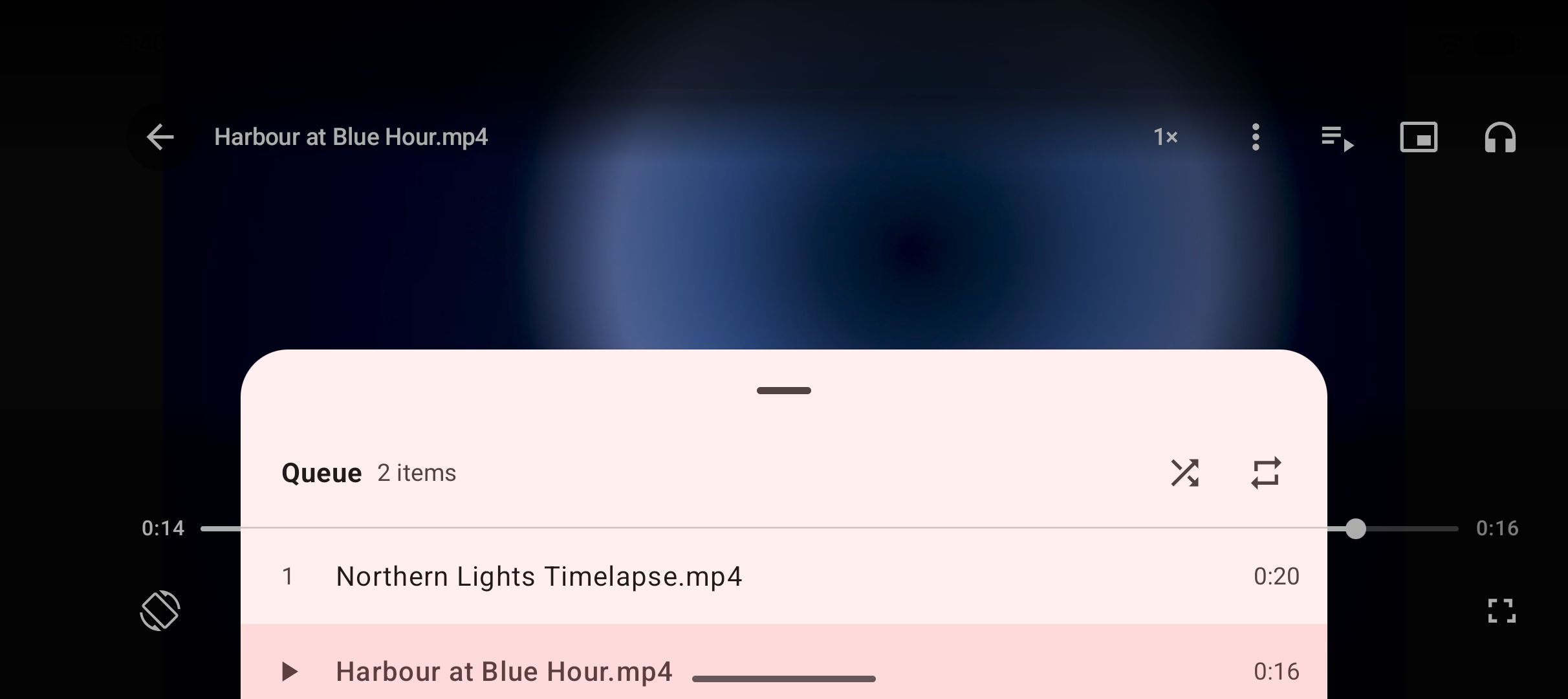
- Find it in the library. The finished MP4 lands in a Kite folder your gallery and file apps can see, and on Kite’s Videos tab, where it plays in place with gestures, ten-second skips, picture-in-picture and a queue.
The catch with pasted stream links is that many of them are not meant to be pasted. They carry a signed token that expires after minutes or hours, or the server only answers requests that arrive with the page’s cookies and referer. If Kite reports an error on a link that plays fine on its page, that is what happened, and the browser route fixes it.
Method 2: let the browser find the manifest
You do not need to dig the address out yourself. Kite’s built-in browser watches the pages you visit for exactly this.
- Open the page in Kite’s Browser tab and press play on the video.
- Wait for the save button. While the page runs, the browser observes the media it requests. It recognises m3u8 and mpd playlists, plain media files, and streams loaded behind blob addresses through the page’s own fetches, and it prefers a whole playlist over a single segment, because the playlist is the whole stream in one address.
- Tap save and pick a quality. The format sheet lists the variants the playlist offers.
- Let it run as in Method 1.
The browser hands the stream to the download together with the page’s cookies, its user agent and the page address as referer. That is the difference between the two methods, and it is why a stream that only plays from its own page still downloads when the browser found it. Our guide to downloading a video from a web page on Android covers the browser route in more detail, for pages where you never see a stream address at all.
Live streams
A live stream is also an m3u8, but its playlist keeps growing as the broadcast runs, with new segments added and old ones dropped. There is no end to reach and nothing to join into a finished file, so Kite does not record live streams. Wait until the broadcast ends and the platform posts a recording, then download that like any other video. Our guide to Twitch clips and past broadcasts covers the common case, where recordings are kept for a limited time and clips outlive them.
Sound, sizes and time
Separate audio. Some playlists carry the sound as its own track, listed alongside the video variants rather than inside them. Kite fetches both and merges them when it saves, so the finished MP4 has its sound. Reddit’s video works this way, which is why so many downloads from it come out silent in other tools; our guide to downloading Reddit videos with sound explains that case.
Size. The estimate on the format sheet is bitrate multiplied by duration, so a three-hour stream at its top rung is a large file however you fetch it. Drop a rung for something you will watch once, or set a trim range and keep only the part you came for.
Time. Fetching hundreds of small segments takes longer than fetching one file of the same size, and the joining step at the end adds a little more. Leave it running in the background; the notification tells you when it is done.
If it does not work
The link has expired
Signed stream addresses stop working after a while. Go back to the page, play the video, and copy the link again, or use the browser route, which picks up a fresh one every time the page plays.
Segments fail part-way through
If the download starts and then errors, the server has probably started refusing requests without the page’s session. Use the browser route so the stream is fetched with the page’s cookies and referer.
The stream is DRM-protected
Kite does not bypass copy protection of any kind: material protected by DRM is declined rather than downloaded. Kite tells you so rather than saving a file that will not play, and no setting changes it.
The saved file has no sound
If the playlist offered a separate audio track, Kite merged it. If the file is still silent, the page supplied no audio for that stretch, as happens with muted sections of some broadcasts, and no downloader can put back what was never served.
The site is one Kite deliberately excludes
There are certain large video and music platforms that Google Play policy does not allow downloader apps to touch; Kite deliberately excludes them, whatever address you paste.
The legal bit
Kite is a tool for personal use. Save only content you own or have permission to save, respect the terms of the sites you visit, and respect the rights of the people who made what you are watching. Finding a stream’s address does not change who owns the stream; a saved copy is for your own offline viewing, not for reposting. For the whole picture from the beginning, start with our complete guide to downloading videos on Android.