To download a Vimeo video on Android, first look under the player on the video’s own page for a Download button. Vimeo shows one when the owner has allowed downloads, and that is the route to use whenever it is there. When there is no button, copy the page link into Kite: Video Downloader, pick a quality from the list it shows, and the video arrives as an ordinary file in your gallery. Kite is our app, so read the second half of this guide as our honest description of what it does rather than a neutral review. Every statement about Vimeo’s own features comes from Vimeo’s help centre, checked on 5 September 2026 and linked in the sources.
Vimeo’s own download button comes first
Vimeo is unusual among video sites in offering a real download, so check for it before reaching for anything else. Per Vimeo’s help centre, you can download a video if its owner has enabled downloads. On the video’s page on vimeo.com, select the Download button below the player; a window appears with the available file sizes, and you pick one. Vimeo notes that the feature requires a paid plan, that Free and Basic members cannot enable downloads on their videos, and that you must be logged in to download a source file for a Public video.
If you are the owner, the Vimeo mobile app handles your own uploads directly. Vimeo’s help article on downloading from the mobile app describes a Save to device option on Android, which writes your video to the phone.
When the button is missing, Vimeo’s troubleshooting page gives three reasons: the owner disabled downloads, the owner is a Free or Basic member and so cannot enable them, or you are watching an embedded player on another site rather than the video’s page on vimeo.com. Only the third has a fix on your side: open the video on vimeo.com and look again. For the other two, and for the many public videos whose owners simply never turned downloads on, the rest of this guide applies.
What you need
- Kite: Video Downloader from Google Play, on Android 7.0 or newer. There is no account and no sign-up. It is free and supported by ads, a banner and the occasional interstitial, with no subscription.
- The link to the video’s page on vimeo.com, or the page that embeds it.
- A public video. Kite reads the page a logged-out visitor sees, so private and password-protected videos are out of scope, for reasons covered below.
- A few minutes and some free storage.
If you are still choosing an app, our roundup of the best video downloader apps for Android compares eight of them, including which are actually on Google Play.
Step by step
-
Copy the link. In the Vimeo app, open the video, tap the share icon and choose Copy link. In a browser, the address bar does the same job. A Vimeo page link is vimeo.com followed by a number. An embedded player on another site uses a player.vimeo.com address instead; that can work too when the owner allows the video to play away from Vimeo, but the vimeo.com page link is the reliable one, and tapping the title or logo in an embedded player usually opens it.
-
Open Kite and paste. Tap Paste on the Home tab and the address goes into the box; with Auto-paste links switched on in Settings, it is already there when Kite opens. Kite reads the page with yt-dlp, an extraction engine that runs entirely on the phone and recognises Vimeo alongside TikTok, Instagram, X (formerly Twitter), Reddit, Facebook, Twitch, Pinterest and a thousand or so other sites.
-
Or use the built-in browser instead. Kite has a browser tab that watches the pages you visit for playable media. Open the Vimeo page, or the page that embeds the video, press play, and tap the save button when it appears. This is the route to use when copying a link is awkward, and it is also the fallback if a pasted link is refused: what Kite’s browser can play on a page it can usually offer to save, because it hands the stream to the engine together with the page’s own session.
-
Pick a resolution, or take the audio. Kite lists every version the source offers, with container, codec and an estimated size beside each entry, from SD up to 4K where the uploader provided it. Vimeo commonly serves several rungs, so read the sizes before choosing. If you only want the sound, choose MP3 and Kite pulls the audio out on its own, with title and artist metadata embedded. Where the video carries captions, you can choose a language and Kite writes them into the file, and a trim range saves just the part you want.
-
Let it download in the background. Progress moves to the notification shade with live speed and time remaining, with pause, resume and cancel beside it. Downloads survive closing the app, an interrupted one resumes rather than starting over, and up to three run at once. There is a Wi-Fi-only option, and you can schedule a download for later.
-
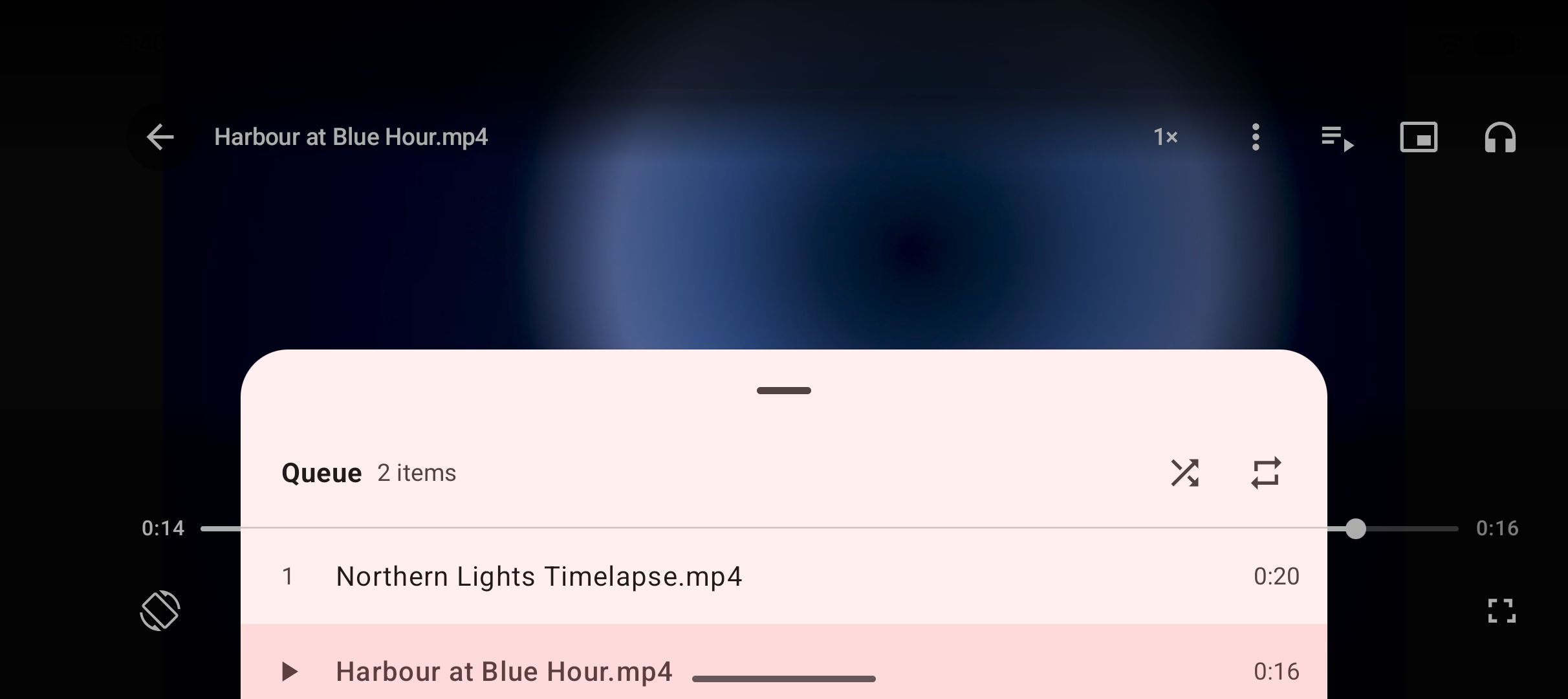
Find it in the library. The finished file lands in a Kite folder that your gallery and file apps can see, and appears on Kite’s Videos tab next to the video already on your phone, grouped by folder and searchable. Tap to play it in place: swipe to seek or change brightness and volume, hold for double speed, skip ten seconds either way, or pop it out into picture-in-picture. A file you would rather keep out of the gallery can move into the Private Vault, PIN-locked and encrypted on this device.
Embedded Vimeo players on other sites
A great deal of Vimeo video never appears on vimeo.com at all from the viewer’s side. It sits in a player on a portfolio, a company site or a blog. Vimeo’s troubleshooting page is explicit that the Download button appears only on the video’s page on vimeo.com, so an embed never offers it, even for a video whose owner allows downloads.
You have two routes. Open the video on vimeo.com by tapping its title or the Vimeo logo in the player, then copy that page’s link and follow the steps above. Or stay on the page that embeds it, open that page in Kite’s browser, press play and tap save; the browser spots the stream the page is playing. Vimeo also lets owners restrict where a video may play. If the vimeo.com page for an embedded video says it is private, the owner has chosen that, and Kite will not extract it.
If it does not work
The video is private, password-protected or restricted
Kite reads the public page behind a link, the same page a logged-out visitor sees. A private video, a password prompt or an owner’s restriction on where the video plays leaves that visitor with a notice and no stream, so extraction reports an error rather than saving a file. No setting changes this. If the owner has allowed downloads, Vimeo’s own button on the video page is the route; otherwise the video is not available to save.
Kite reports an error on a page that plays normally
Sites sometimes refuse requests that do not come from a browser, and Vimeo is one that can. Open the same page in Kite’s built-in browser, press play and tap the save button. The stream the page plays for the browser is what gets handed to the download, so this route works where a pasted link does not.
The video is DRM-protected
Vimeo’s help centre describes DRM as an add-on for its Enterprise plan, and says viewers cannot download DRM-protected videos. Kite does not bypass copy protection of any kind: material protected by DRM is declined rather than downloaded, and it tells you so rather than saving a broken file.
Wi-Fi-only is on, or you are offline
If a download sits waiting instead of moving, check whether the Wi-Fi-only option is on while you are on mobile data. Turn it off, or connect to Wi-Fi, and the queue picks up. A dropped connection mid-download is not fatal either: the task resumes rather than restarting.
The legal bit
Kite is a tool for personal use. Save only content you own or have permission to save, respect the terms of the sites you visit, and respect the rights of the people who made what you are watching. Vimeo is home to a great deal of professional work, and an owner who has switched downloads off has said something about how they want it seen. A saved copy is for your own offline viewing, not for re-uploading somewhere else. For scope, one honest note: there are certain large video and music platforms that Google Play policy does not allow downloader apps to touch; Kite deliberately excludes them. Vimeo is not one of them.
Two neighbouring guides follow the same shape, with a platform-native option first and the app route second: downloading Twitch clips and past broadcasts and downloading Dailymotion videos on Android. If you are starting from scratch, our complete guide to downloading videos on Android covers the whole picture.